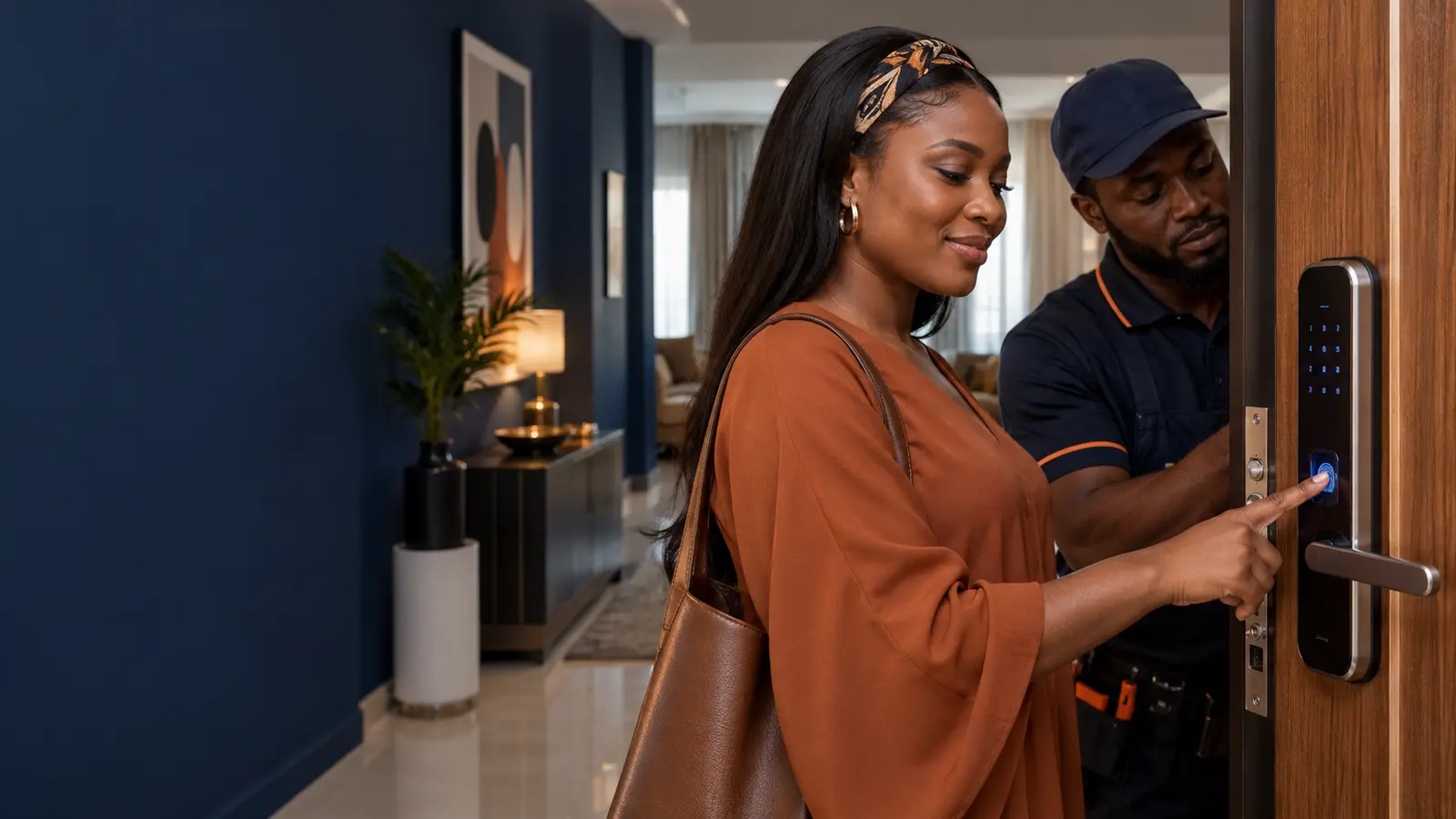
Smart Door Locks in Nigeria: Types, Security and Installation Guide
In brief: A smart lock replaces or supplements a mechanical key with PIN, fingerprint, card or mobile access. The best choice depends on the door construction, number of users, audit requirements, power arrangement, emergency access and whether remote management is genuinely needed.
Types of smart locks
Common residential and commercial options include keypad locks, fingerprint locks, RFID card locks, app-connected locks and multi-method devices. Mortise locks replace more of the door mechanism, while retrofit products operate an existing cylinder or thumb turn.
The correct type depends on the door material, thickness, opening direction, frame and locking points. A visually attractive product can still be unsuitable if the mechanical fit or latch alignment is poor.
Security features that matter
Look beyond the number of unlocking methods. Useful capabilities include strong mechanical construction, temporary codes, failed-attempt lockout, tamper alarms, access logs, privacy mode and administrator separation. Remote unlocking should be protected by strong account security.
Biometrics improve convenience but should have a controlled fallback. PINs should be unique rather than shared, and cards or phones should be removable immediately when lost.
Power, connectivity and emergency access
Most smart locks use batteries and should warn users before power becomes critically low. The installation should retain an emergency power or mechanical override method without making unauthorised bypass easy.
Basic local unlocking normally does not require internet access. Remote control, cloud logs and notifications may depend on Wi-Fi, a gateway or mobile connectivity. Buyers should understand which features remain available during an outage.
Installation and daily management
Accurate drilling, alignment and calibration affect both security and battery life. The installer should test every credential, auto-lock timing, manual exit, low-power behaviour and emergency access. Users should receive clear instructions.
After installation, review authorised users regularly, remove temporary credentials, replace batteries proactively and keep the door and latch correctly aligned.
Selecting the right solution
For a family home, simple local management may be preferable to unnecessary cloud dependence. Rental properties benefit from time-limited codes and clear turnover procedures. Offices may need central administration, attendance records or integration with wider access control.
Choose a system supported locally, with available batteries, parts, technical documentation and a defined warranty process.
Planning checklist
| Decision | What to confirm |
|---|---|
| Objective | The exact safety, security or operating outcome required |
| Environment | Power, connectivity, weather, users and site constraints |
| Evidence and data | Records, retention, permissions, privacy and reporting |
| Resilience | What must continue during power or internet interruption |
| Support | Acceptance tests, training, maintenance, warranty and escalation |
Frequently asked questions
Will a smart lock work during a power outage?
Battery-operated locks normally continue working, but gateways and remote features may depend on backed-up power and internet.
Can someone hack a smart lock?
Any connected device has risk. Reduce it through reputable products, strong accounts, firmware updates, secure networks and limited remote permissions.
Can a smart lock fit an existing door?
Many can, but door material, thickness, backset, frame alignment and locking arrangement must be checked first.
How often should batteries be replaced?
Follow device guidance and replace them before the low-battery period expires; usage, motor effort and battery quality affect life.