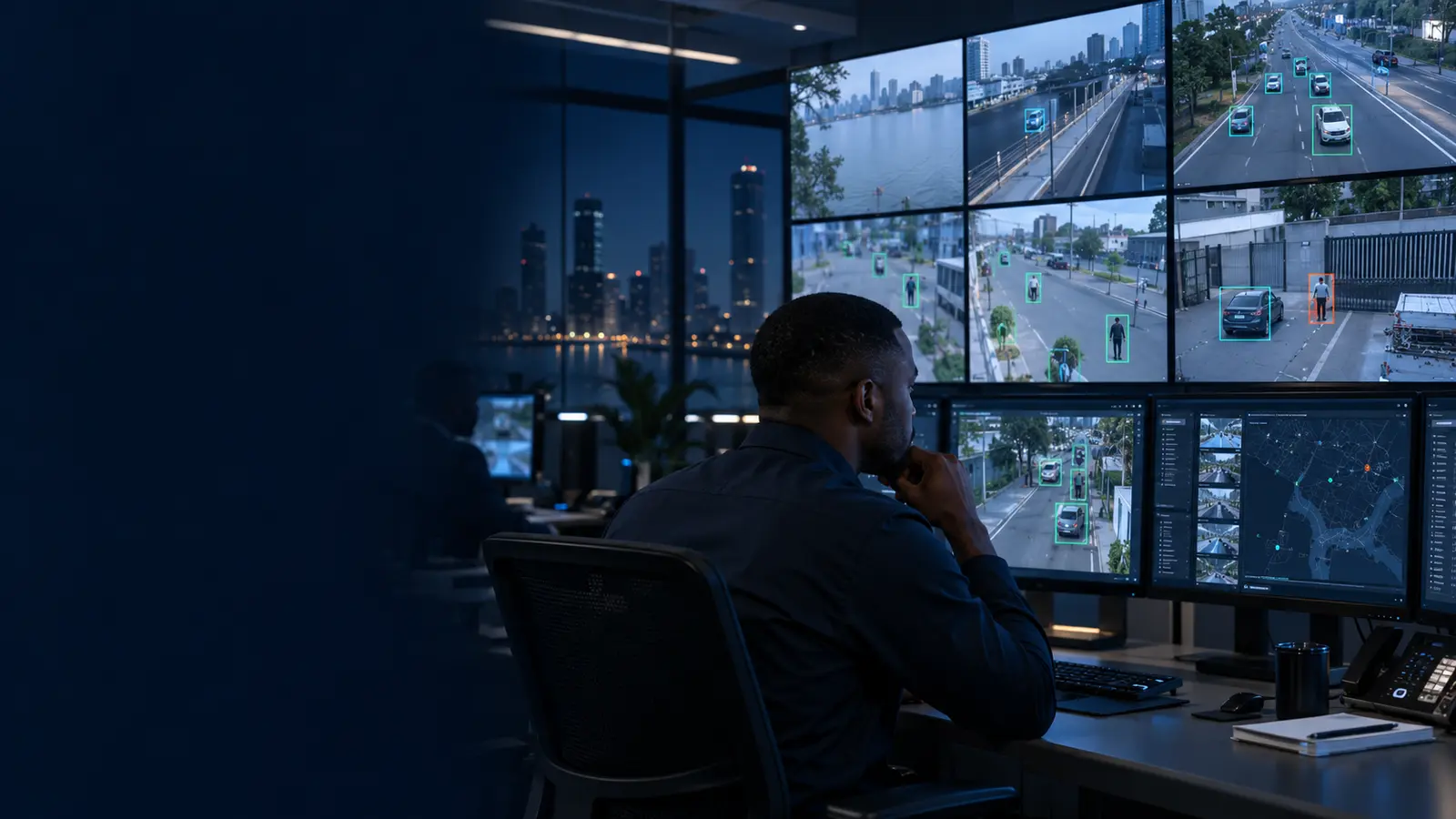
Smart Security Cameras in Nigeria: Features, Limits and Best Uses
In brief: A smart camera combines video with app access, alerts and sometimes on-device or cloud analytics. It can be useful for homes and small sites, but reliability depends on placement, power, Wi-Fi quality, storage design, account security and a realistic alert-response process.
Smart camera versus complete CCTV
Standalone Wi-Fi cameras are quick to deploy and easy to view from a phone. A complete CCTV system typically offers more structured recording, multi-camera management, storage planning and network control.
Choose according to risk and scale. A camera watching a front door has different requirements from a warehouse or estate perimeter where continuous evidence and central monitoring are important.
Detection and alerts
Person, vehicle, motion and sound detection can reduce unnecessary notifications, but no analytic is perfect. Moving trees, insects, reflections, pets or poor positioning may produce false alerts.
Configure detection zones and schedules, then test them under actual conditions. Alerts should be directed to people who can verify and act, rather than becoming ignored phone notifications.
Storage choices
Memory cards offer local storage but can be lost with the camera. Cloud storage provides off-site protection but needs bandwidth and a subscription. NVR recording can centralise multiple cameras and retain footage locally.
A hybrid approach may be appropriate for important locations. Confirm retention, export procedures and what happens when internet connectivity fails.
Power, Wi-Fi and cybersecurity
Measure Wi-Fi strength where the camera will be mounted and avoid congested or insecure networks. Provide appropriate backup power if recording during outages matters.
Use unique passwords, multi-factor authentication where available, current firmware and restricted sharing. Never expose camera ports directly to the public internet without a properly engineered reason.
Placement and privacy
Mount cameras where they can obtain useful detail without being easily reached. Avoid pointing into neighbours’ private areas and communicate clearly when cameras cover shared or workplace spaces.
Good lighting and a clean lens often improve results more than unnecessary resolution. Review footage at night before accepting the installation.
Planning checklist
| Decision | What to confirm |
|---|---|
| Objective | The exact safety, security or operating outcome required |
| Environment | Power, connectivity, weather, users and site constraints |
| Evidence and data | Records, retention, permissions, privacy and reporting |
| Resilience | What must continue during power or internet interruption |
| Support | Acceptance tests, training, maintenance, warranty and escalation |
Frequently asked questions
Can a Wi-Fi camera record without internet?
Some cameras can record to local storage or an NVR on the local network, while cloud viewing and alerts may stop. Verify the specific model.
Are AI alerts always accurate?
No. They reduce irrelevant events but require correct positioning and configuration, and important events still need human verification.
Is cloud storage necessary?
Not always. Local, NVR, cloud or hybrid storage can be selected according to risk, retention and connectivity.
How secure are smart cameras?
Security depends on the product, updates, password practices, account protection and network configuration.